Gotta Dump ‘Em All writeup | k!nd4SUS CTF 2025
Writeup of my unintended solve for the Gotta Dump ‘Em All misc challenge @ k!nd4SUS CTF 2025, which I played with fibonhack.
1. Intro#
We are given a .sav file, which is a save file from a Nintendo DS Pokémon game.
The challenge description asks us to retrieve the nicknames of the Pokémon lost by the trainer.
Using a tool like PKHeX (or any online Pokémon save file analyzer) we can identify the game version (Diamond and Pearl).
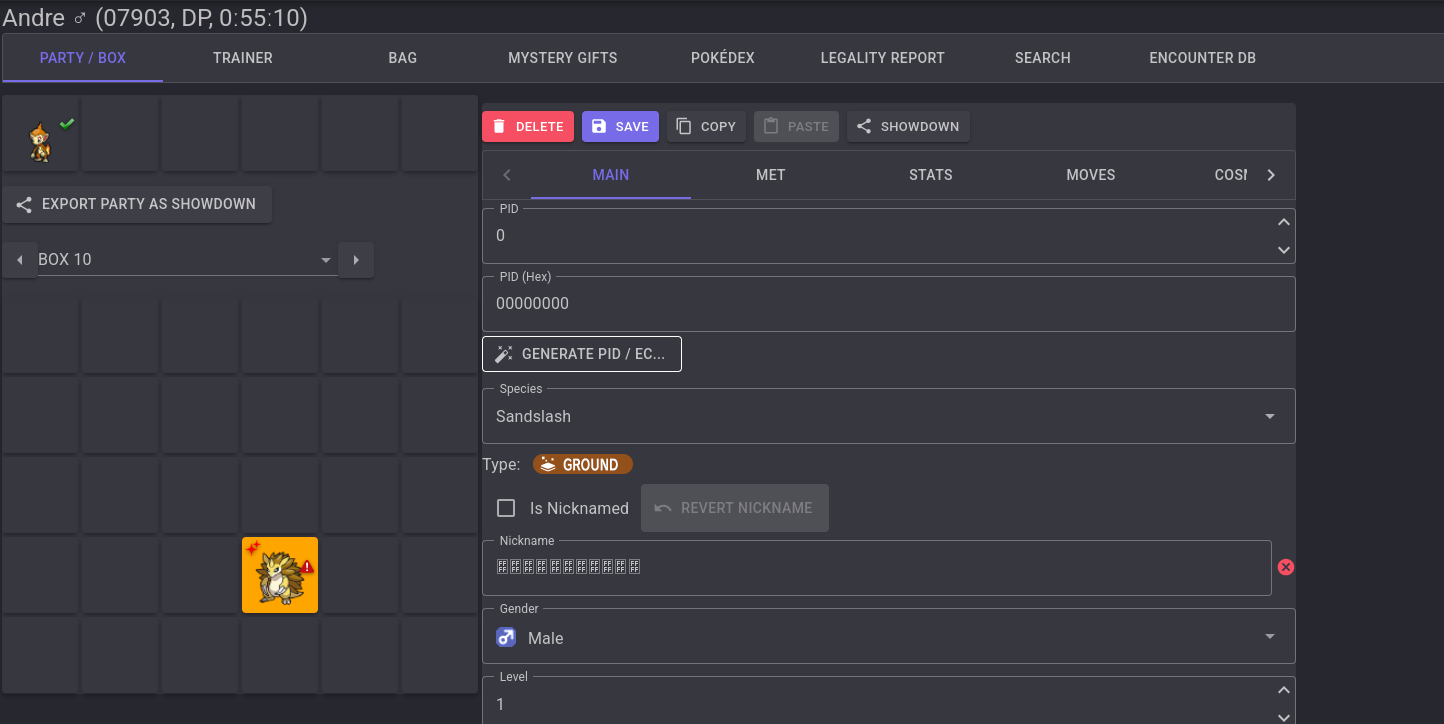
We notice there is only one Pokémon in our party, and another one in the PC box that has a “corrupted” nickname.
2. Structure of the Pokémon save files#
The save file structure changes with every Pokémon game generation. In our case (Generation 4), the save file is broken up into two save slots (primary and backup). Each slot has one general (small) block and one storage (big) block.
- First slot addresses:
0x00000 - 0x3FFFF - Second slot addresses:
0x40000 - 0x7FFFF
The game doesn’t always read from slot 1. Instead, it checks the Save Counter located in the 20-byte footer of each block.
- The engine calculates the CRC-16-CCITT checksum of the data block.
- It compares the checksum with the value stored in the footer.
- If both slots are valid, it loads the one with the highest Save Counter.
3. Solve#
I initially thought I needed to recover Sandslash’s nickname by fixing its PID.
A Pokémon’s PID (Personality Value) defines how its data block is encrypted and shuffled.
So, I spent a lot of time researching the save file structure and how to reproduce the algorithms used to encrypt the data and correctly reorder the blocks.
I also tried to run the game into an emulator, load the save file and see if I could retrieve any useful information or find a way to inject a correct PID.
Loading this save in an emulator requires a small tweak.
You’ll need to use a save file editor to update the Hall of Fame date: if it precedes the game’s initial start date, the entire save data will not be recognized.

I discovered this by accident; I don't believe it's written anywhere in the docs online.
If you start the game, you won’t gain any useful information: you will see the same Pokémon as before.
But wait, what if the second slot contains the correct Pokémon?
I tried swapping the two slots, but the one with the corrupted Pokémon is always loaded because of its Save Counter priority. The slot isn’t seen as corrupted, so the game processes it as a valid one.
Then I thought that if I just copied the second slot and pasted it into the first one, maybe the correct data would be loaded!
I tried it using an online hex editor and it worked, lol.
By copying the entire second slot, the first slot will contain the Pokémon data along with the correct checksum and save counter.
There are now two perfectly valid and identical slots with the same priority, and the game will simply load the first one.
So, there was no need to write complex scripts to fix the blocks! Our target Pokémon will be the ones in the player’s party!
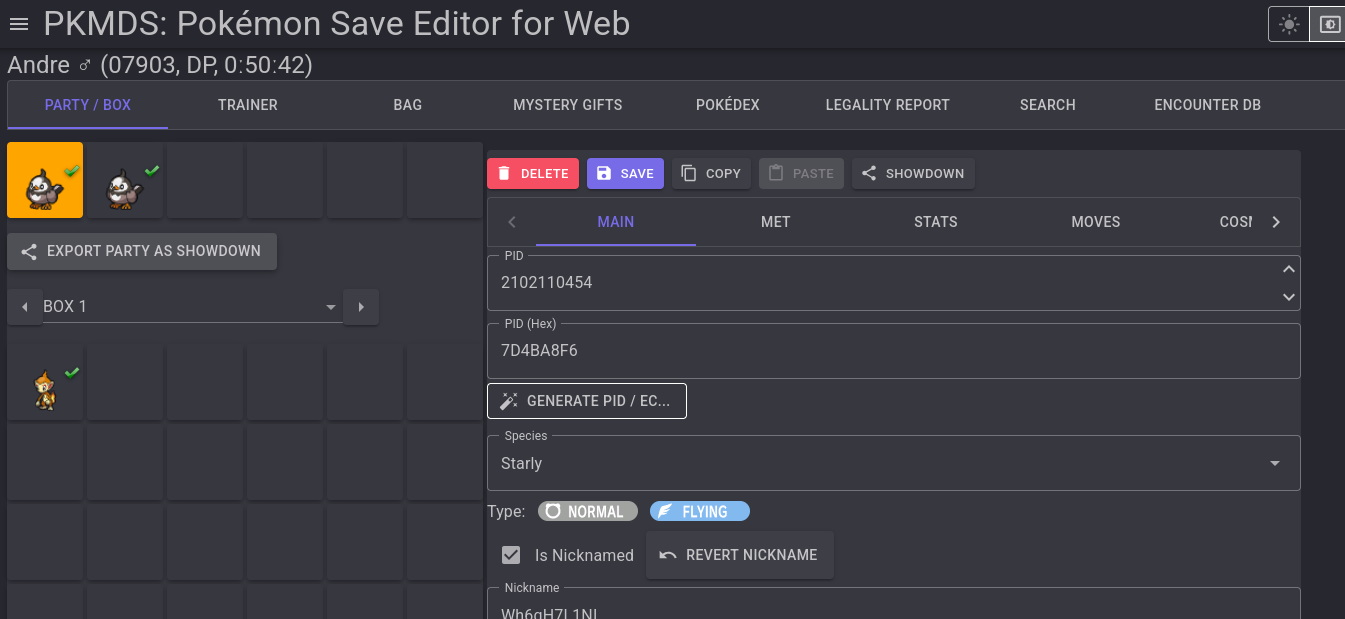
The intended solution was to reproduce the algorithm to fix the data blocks.
This challenge was really interesting!